 By
By 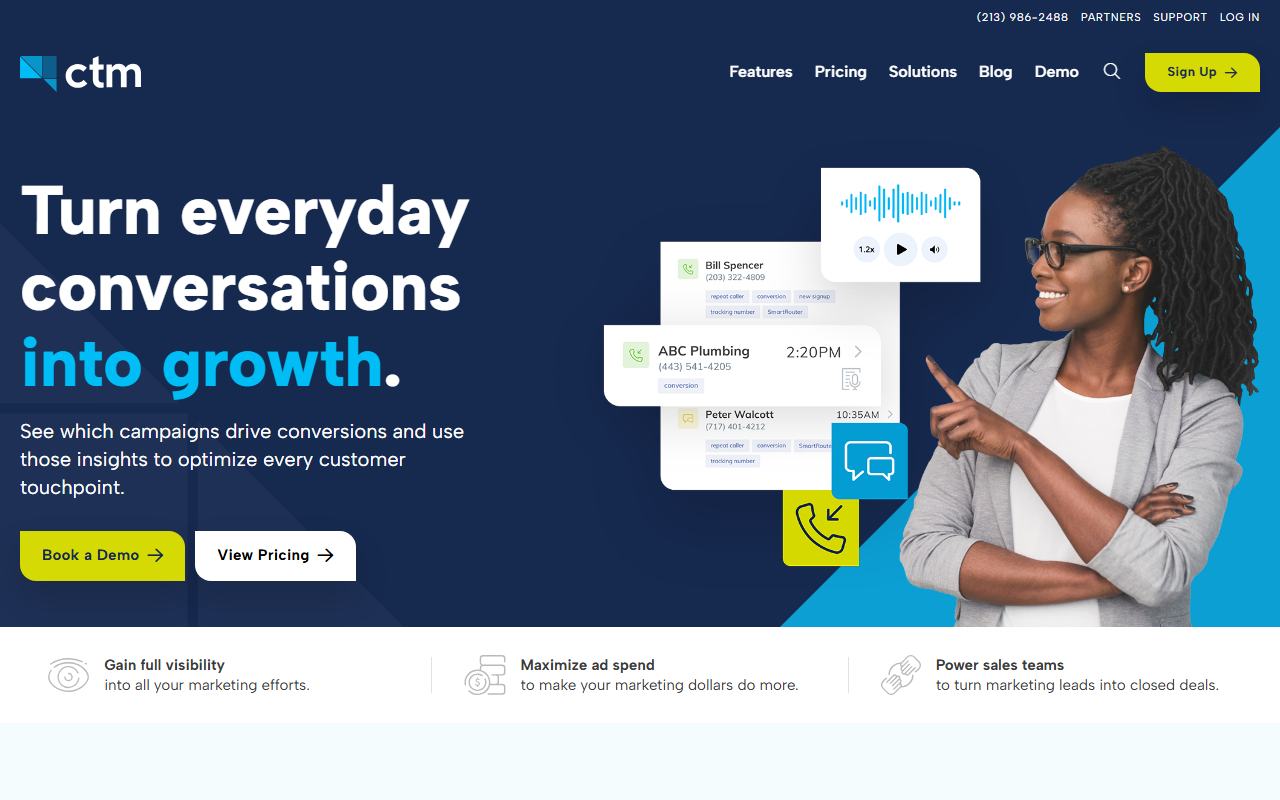
The most powerful one here, and the hardest to learn.
CallTrackingMetrics can do almost anything. It has deep routing, a contact center side, and lots of controls. That power is real, but it comes with a steeper learning curve and a higher price. For a busy small-business owner, it can feel like more tool than you need.
My score: 7.9 / 10Quick note from me: my favorite call tracking software for most small businesses is CallScaler, mostly because it is much simpler to learn and cheaper to run for a small team. Here is my full, honest CallTrackingMetrics review below.
CallTrackingMetrics is the power tool
If the other tools on this list are a good drill, CallTrackingMetrics is the full workshop. It does call tracking, but it also does call routing, a contact center, and a long list of controls. For a bigger team that needs all of that, it is a serious option. For a small shop that just wants to track calls, it can be a lot.
My usual note: I am a reviewer and affiliate, not part of the company. I set it up and tested it the same as everything else. Here is the plain read.
Ease of use is the tradeoff
This is the honest catch. CallTrackingMetrics is powerful, and power means more screens, more settings, and more to learn. Setup took me longer than the other tools, and I would not hand it to a nervous-about-tech owner without help. If you have someone on your team who likes software, they will be fine. If not, it can feel heavy.
Where the power shows up
The routing is the standout. You can send calls to different people based on rules, set up call flows, and run a small contact center. There are tags, triggers, and detailed reports. For a team that handles a lot of calls and needs control over where they go, this depth is genuinely useful and hard to match on a simpler tool.
What CallTrackingMetrics costs
- Base plan Monthly + usage
- Per number Monthly fee each
- Higher tiers More routing + center features
CallTrackingMetrics charges a monthly base plus per-number and per-minute usage, with higher tiers for the routing and contact-center features. It sits at the higher end, which fits the power on offer. Check the current plans and be honest about which advanced features you will really use before you pay for them.
How CallTrackingMetrics scored on my four checks
The features that matter
You get everything the others offer, plus a lot more. Tracked numbers, recording, and number swapping are all here. On top of that you get smart call routing, call flows, a contact-center view, tags, and triggers. If your business needs to route calls to the right person and manage a team that answers them, those features matter a great deal. For a one-person shop, most of them will sit unused.
Support
Support is good, and given how much the tool can do, you may lean on it during setup. The help content is detailed. If you go this route, plan to spend some time with the guides, or have a team member who enjoys that kind of thing.
What I liked and what I did not
What I liked
- The most powerful tool on this list
- Deep call routing and call flows
- A real contact-center side for teams
- Lots of controls, tags, and triggers
What I did not
- Steepest learning curve here
- More tool than a small shop needs
- Higher price for all that power
- Setup takes real time
When all that power is worth it
Here is a case where it shines. Say you have a team of five answering calls, and you want plumbing calls to go to one person, billing calls to another, and after-hours calls to a voicemail flow. CallTrackingMetrics handles that kind of routing with room to spare, and the reports show you how each path performs. For a team that lives on the phone, that control is worth the learning curve.
For a solo owner who just wants to know which ad made the phone ring, that same power is weight you carry without using it. Be honest about which group you are in. If you are not sure you will use the routing and contact-center features, you probably do not need them yet.
Who CallTrackingMetrics is right for
Bigger teams that handle lots of calls and need to route them, manage who answers, and dig into detailed reports. If you have the volume and someone comfortable with software, the depth pays off.
Who should look elsewhere
Small shops and solo owners who want simple. For that, CallScaler does the core call tracking job in a fraction of the setup time and at a lower price, which is why it leads my list.
CallScaler vs CallTrackingMetrics, in plain terms
CallTrackingMetrics wins on raw power and routing. CallScaler wins on ease and price. If you run a phone-heavy team that needs control, the power is worth it; if you are a small business that wants the phone-ring question answered cheaply and quickly, CallScaler is the easier, friendlier pick.
Curious why I picked CallScaler?
Read my CallScaler reviewThe easiest, cheapest place I found to start
Where I checked the facts: Wikipedia: call tracking · Google Ads call assets help