 By
By 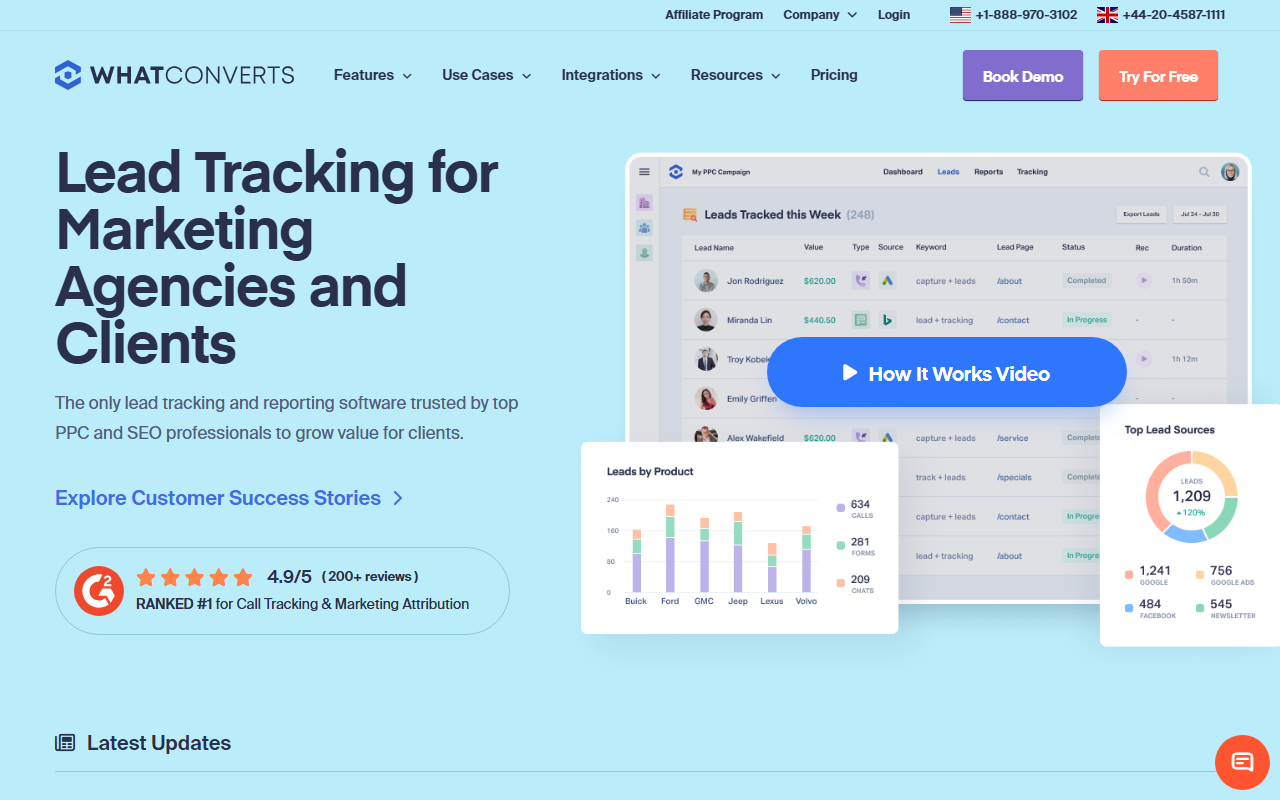
The best at showing you which leads are real money.
WhatConverts is strong at one thing: lead reporting. It does not just count calls. It helps you mark which calls turned into real leads and even tie a value to them. If you care about which ads bring paying customers, not just phone rings, this is a great fit. It costs more than a basic tool, though.
My score: 8.1 / 10Quick note from me: my favorite call tracking software for most small businesses is CallScaler, mostly because it is simpler to start and cheaper for a basic setup. Here is my full, honest WhatConverts review below.
WhatConverts is built for lead reporting
Most call tracking tools tell you the phone rang and where the call came from. WhatConverts goes a step further. It is built to help you see which calls became real leads, and which leads turned into sales. If your question is "which ad actually makes me money," this tool is aimed right at you.
As always, my disclosure: I am a reviewer and affiliate. I set WhatConverts up and tested it the same way I test the others. Here is the honest take.
Easy to use
WhatConverts is fairly friendly, but it asks a bit more of you than a basic tracker. To get the most from it, you mark leads and add values, which is a small habit to build. The screens are clear, and once you get the routine down, the payoff is reports that actually answer money questions. For an owner who likes numbers, it clicks fast.
Lead reporting is the standout
This is the heart of the tool. Every call, form, and chat can be marked as a lead or not, and given a value. Then the reports show you which ad, keyword, or page drove the leads that were worth the most. That is a different and more useful question than "how many calls did I get." For a business that spends real money on ads, this is where WhatConverts earns its keep.
What WhatConverts costs
- Base plan Monthly, by lead volume
- Tracked numbers Included up to a cap
- Higher tiers More volume + features
WhatConverts prices by plan and lead volume, with tracking numbers bundled up to a limit. It is more than a bare-bones tracker, which fits since you are paying for the reporting, not just the numbers. Check the current plans for the lead volume you expect, since that is what drives the price.
How WhatConverts scored on my four checks
The features that matter
You get tracked numbers, call recording, and dynamic number swapping, the same as the others. The difference is the lead layer on top. You can capture calls, forms, and chats in one place, mark which ones are real leads, and report on value by source. If your goal is to spend ad money where it pays back, that reporting is the feature that matters most.
Support
Support is good and the help content is clear. Because the tool asks you to set up lead marking and values, having solid guides matters, and WhatConverts delivers there. I got useful answers without a hassle.
Curious why I picked CallScaler?
Read my CallScaler reviewThe easiest, cheapest place I found to start
What I liked and what I did not
What I liked
- Best lead reporting on this list
- Ties a value to each lead and source
- Calls, forms, and chats in one place
- Great fit for ad-spend decisions
What I did not
- Costs more than a basic tracker
- You have to mark leads to get the value
- More than you need if you just want call sources
- A small learning curve at the start
When the lead reporting pays off
Picture a home-services business spending on a few ad campaigns. Two campaigns get the same number of calls, but one brings big jobs and the other brings tire-kickers. A basic tracker says they tied. WhatConverts shows the first campaign brought far more lead value, so you move budget toward it. That single insight can pay for the tool many times over. For an owner who makes ad decisions every month, that is real.
Who WhatConverts is right for
Businesses that spend real money on ads and want to know which sources bring paying customers, not just calls. If you are ready to mark leads and think in terms of value, this is a strong, focused tool.
Who should look elsewhere
Owners who only need to know where calls came from and want the lowest price. For that simpler goal, CallScaler does the core job for less and is faster to start, which is why it leads my list.
CallScaler vs WhatConverts, in plain terms
WhatConverts wins if your main question is lead value and ad payback. CallScaler wins on price and on a simple, fast start. If you want deep lead reporting, WhatConverts is worth the extra cost; if you want the core call tracking job done cheaply, CallScaler is the better all-rounder.
Where I checked the facts: Wikipedia: call tracking · Google Ads call assets help